
Building a presentation from scratch can take longer than writing the ideas behind it. You need an outline, readable slides, suitable images, and a design that works for your audience. Pi.inc, also known as Pi (Presentation Intelligence), aims to handle much of that work with AI.
But is Pi the right AI presentation maker for students, entrepreneurs, and business teams in 2026? This research-based review explores its features, workflow, pricing information, strengths, and limitations. It is based on published product information rather than a first-hand hands-on test.
What Is Pi.inc?
Pi is an AI-native presentation and content-creation platform. Instead of manually arranging every slide, you can describe your topic or supply existing material, and Pi can help organize a presentation outline, develop content, and generate designed pages.
According to its official documentation, Pi accepts materials such as text, PDFs, PowerPoint files, Word documents, and webpages. Its tools are designed to help with presentation structure, visual layout, editing, sharing, and export. This makes it particularly relevant when you already know what you want to communicate but do not want to start with a blank slide.
How Does Pi Presentation Intelligence Work?
Pi's workflow combines content planning with automated design. The basic idea is straightforward: provide source material, review the suggested story, choose an appropriate visual direction, then refine the result.
1. Start With a Prompt or Existing Document
Type an idea, describe the audience and purpose, or import an existing report. For example, a small-business owner could ask for a ten-slide product launch overview, while a student might start from study notes or a PDF.
2. Review the Outline
Pi organizes the information into a logical sequence. Before accepting a generated deck, check the introduction, supporting arguments, evidence, and conclusion. Its user guide describes editing and reordering outline sections.
3. Generate and Refine the Presentation
The design engine can propose layouts, images, typography, and themes. You can then adjust text, images, and layouts rather than treating the first output as final.

Key Pi.inc Features
AI-Assisted Structure and Content
One of Pi's core selling points is that it tries to help organize the message, not just decorate slides. Its documentation describes a design engine that considers content structure alongside typography, image selection, and layout. That can be useful for proposals, class reports, training materials, and pitch decks.
Design Themes and Visual Customization
Pi provides a collection of presentation themes, along with ways to customize visual choices. Rather than committing to a single appearance, creators can experiment with different design directions. For an organization, the important step is still to check whether the result follows its brand guidelines.

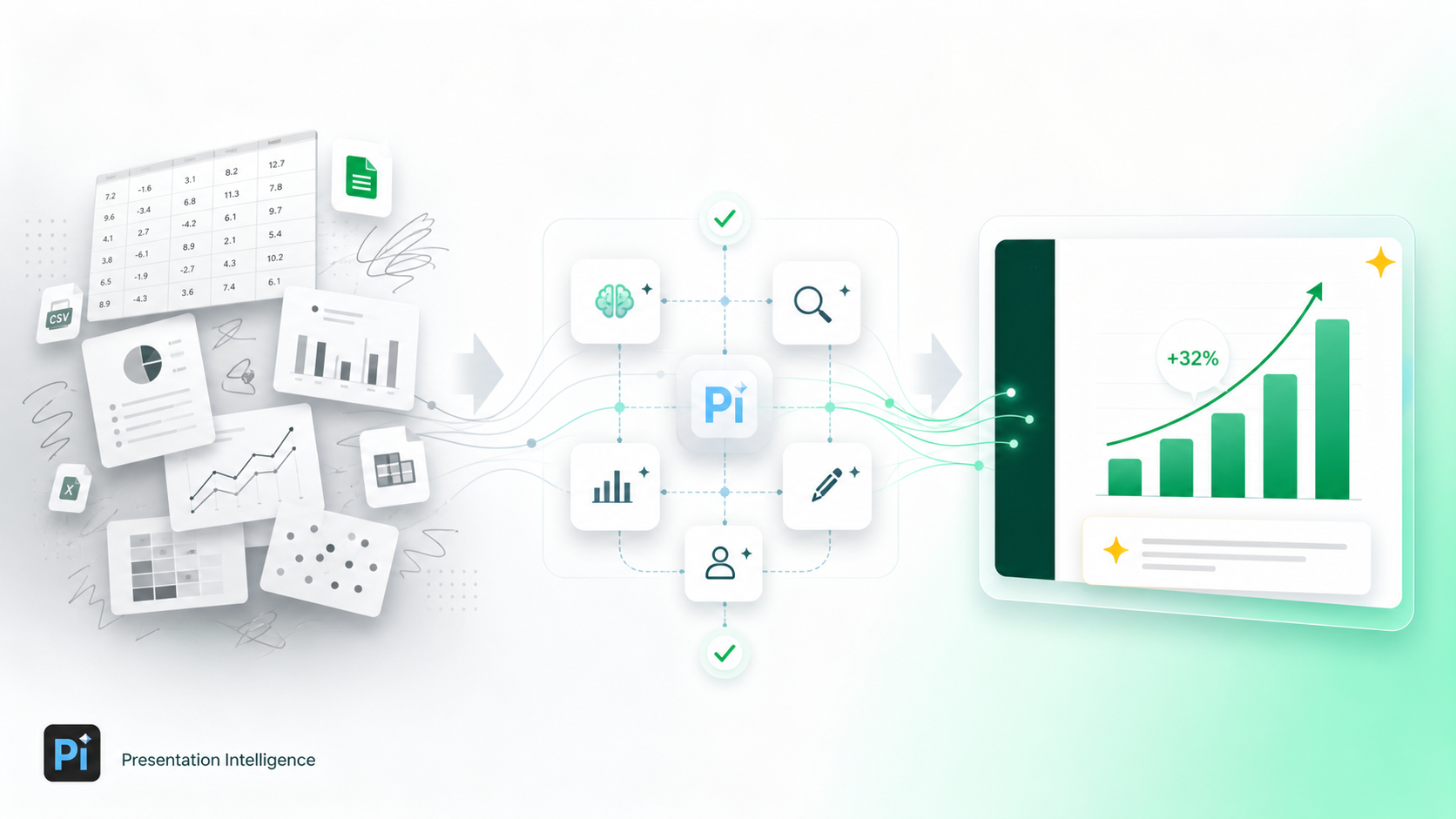
Document-to-Slides and Data Storytelling
If your information already exists in a document, starting from that material can be more useful than retyping it. Pi describes workflows for turning source material into presentation-ready content and for organizing complex information into a clearer narrative.
Important: AI-generated explanations and charts must still be checked against your original figures. A polished slide is not proof that every fact or calculation is correct.
Editing, Exporting, and Online Sharing
Pi's official feature list includes editing, PowerPoint and PDF export, shared links, and collaborative workflows. This matters when the output needs to move beyond Pi itself: you may need to present in PowerPoint, circulate a PDF, or send a link for review.
However, verify your exported slides before an important meeting. Fonts, animations, unusual effects, and complex layouts may behave differently when opened in another program.

Mobile-Friendly Presentation Sharing
Pi describes a Smart Fluid Content Framework intended to adapt presentations across different screen sizes. That could be helpful when colleagues or customers open a shared presentation on a phone instead of a laptop.

AI Assistant Integration Through MCP
Pi also publishes an MCP integration for compatible AI assistants. Its documentation lists functions to create a presentation, check generation progress, discover themes, and read or update an outline. Full page editing and file export still take place on Pi's website, according to its MCP guide.

Pi.inc Pricing in 2026
Pi provides a pricing page and a free-start option. Its own published May 2026 comparison described the following plans. These are published reference prices, not a live checkout verification for November 2026. Confirm current pricing, credits, limits, and renewal terms before paying.
| Plan | Pi's 2026 Published Reference | What to Verify |
|---|---|---|
| Free | Free access described | Current credit allowance and export rules |
| Basic monthly | $9.90 per month | Live amount and usage limits |
| Annual | $89.90 per year | Billing term and cancellation conditions |
Reference: Pi's 2026 workflow comparison. For current terms, visit the official Pi pricing page.
Advantages and Disadvantages of Pi
What Looks Promising
- Multiple starting points: begin with an idea or existing document.
- Outline support: create a structured presentation before polishing individual slides.
- Visual flexibility: use and customize different slide themes.
- Flexible delivery: export presentations or share them through supported online workflows.
- AI assistant connectivity: MCP tools extend some creation and outline-management workflows.
Limitations to Consider
- AI content needs review: check facts, citations, numbers, and wording.
- Export fidelity varies: inspect the finished PowerPoint or PDF before presenting.
- Brand consistency requires attention: generated layouts should be checked against company standards.
- Pricing can change: credits, subscriptions, and restrictions need live verification.
- Not a native PowerPoint or Google Slides editor: people who need in-app editing may prefer a tool built into their existing software.
Who Should Try Pi.inc?
Pi may be worth evaluating if you regularly prepare:
- Student presentations: turn an outline or class notes into an organized deck.
- Startup pitches: explain a problem, solution, market, and plan in a clear sequence.
- Business reports: transform existing research into a readable summary.
- Training materials: present step-by-step information for learners or colleagues.
- Marketing proposals: test different approaches to visual storytelling.
If you mainly work inside an established Microsoft 365 or Google Workspace slide-editing process, compare Pi with a native integration before switching tools.
Is Pi.inc Safe and Legit?
Pi has an active official website, published product documentation, a pricing page, and customer support details. Those are useful signs of an operating product, but they do not prove that every output is accurate or that the platform meets a particular company's privacy, security, or compliance requirements.
For sensitive presentations, review the platform's Privacy Policy and Terms of Use, and follow your workplace rules before uploading confidential files or personal information. Consider trying the service first with non-sensitive sample material.
Pi vs. Other Presentation Tools
The best choice depends on how you like to work. Pi focuses on generating and designing presentations from prompts and source material. Canva is an alternative for people who prefer manual visual design and templates. Gamma emphasizes shareable web-style presentations. Microsoft PowerPoint with Copilot is especially relevant for teams already creating slides inside Microsoft 365.
For projects that need animated promotional content rather than slides, Lavaoffer also has an InVideo AI video creator review.
Frequently Asked Questions
Is Pi.inc the same as Pi Network?
No. Pi (Presentation Intelligence) is an AI content-creation and presentation platform, not the Pi cryptocurrency network.
Can Pi turn a PDF into slides?
Pi's official product information lists PDF and other document inputs. Review the result carefully to ensure key figures, terminology, and source context survive the conversion.
Can Pi export to PowerPoint?
Yes. Pi lists PowerPoint and PDF export among its capabilities. As with any automated slide tool, check the exported file before delivering it.
Can I use Pi from an AI assistant?
Pi provides an MCP integration for compatible assistants. The published functions include presentation creation, task checks, theme discovery, and outline management, while page editing and exports remain on the Pi website.
Conclusion: Is Pi.inc Worth Trying in 2026?
Pi is worth considering if your biggest presentation challenge is turning rough ideas or existing documents into a visually organized first draft. Its documented strengths include AI-assisted structure, customizable themes, export options, and mobile-oriented sharing. For important work, though, always verify the information and inspect the final deck.
If that workflow sounds useful, explore Pi's current plans and try it with a low-risk presentation before committing to a subscription.
Research sources: Pi About | Pi Pricing | Pi MCP Guide | Pi's 2026 workflow comparison. Product details and pricing may change.
Comments
Post a Comment