
What if you could turn a sentence, a product photo, or a character sketch into a short moving scene without arranging a camera shoot? Vidu is an AI creation platform built around that idea. Its tools turn text prompts, still images, and visual references into video, while additional features support animation, images, and creative workflows.
In this guide, we'll look at what Vidu can do, how to create a first clip, what its pricing model means, and where its strengths and limitations matter. This is a research-based overview, not a claim of hands-on product testing.
What Is Vidu AI?
Vidu AI is an AI video creation service developed by ShengShu Technology. Instead of starting with camera footage, a creator can describe a scene, provide an image, or supply visual references that guide the result. Vidu offers web-based tools, templates, newer model options, and an API platform for developers.
The main appeal is speed of experimentation: you can test ideas as short scenes before investing in a traditional production process. The trade-off is that generated results still need careful review for visual continuity, prompt accuracy, and suitability for the intended audience.
Key Vidu Features Explained
1. Text to Video: Start With a Prompt
Describe the subject, action, environment, camera movement, and visual style. Vidu's text-to-video workflow uses those instructions to generate a short clip. This is useful for concept art, fantasy scenes, story ideas, and social-media video experiments.
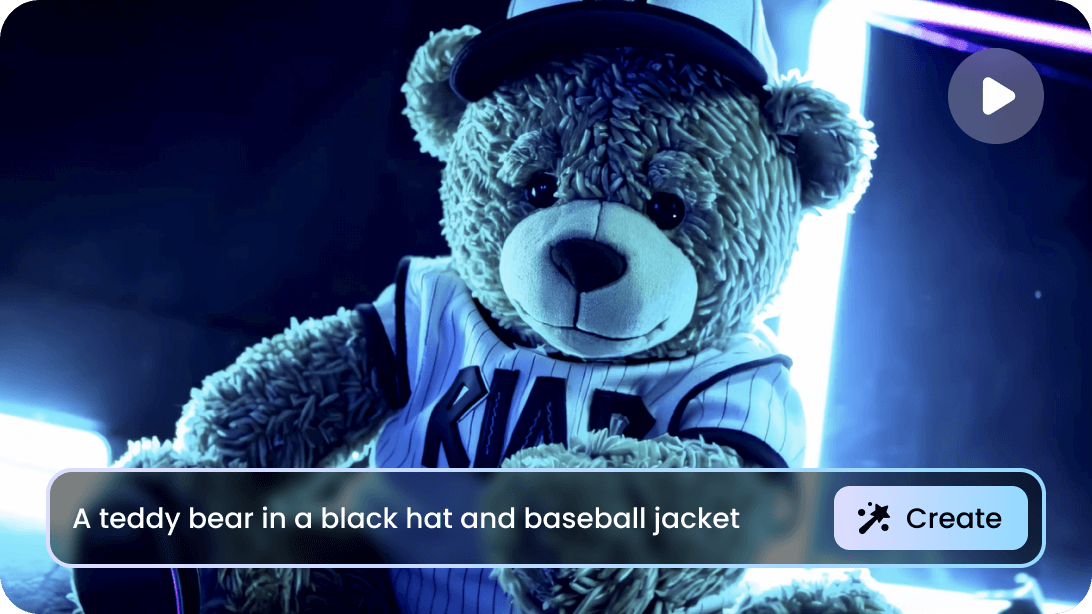
Example prompt: “A small paper boat floating through a rain-soaked city street at twilight, cinematic reflections, slow camera tracking, gentle natural movement, vertical frame.” Specificity gives the model a clearer target than simply asking for a “cool video.”
2. Image to Video: Animate a Still Picture
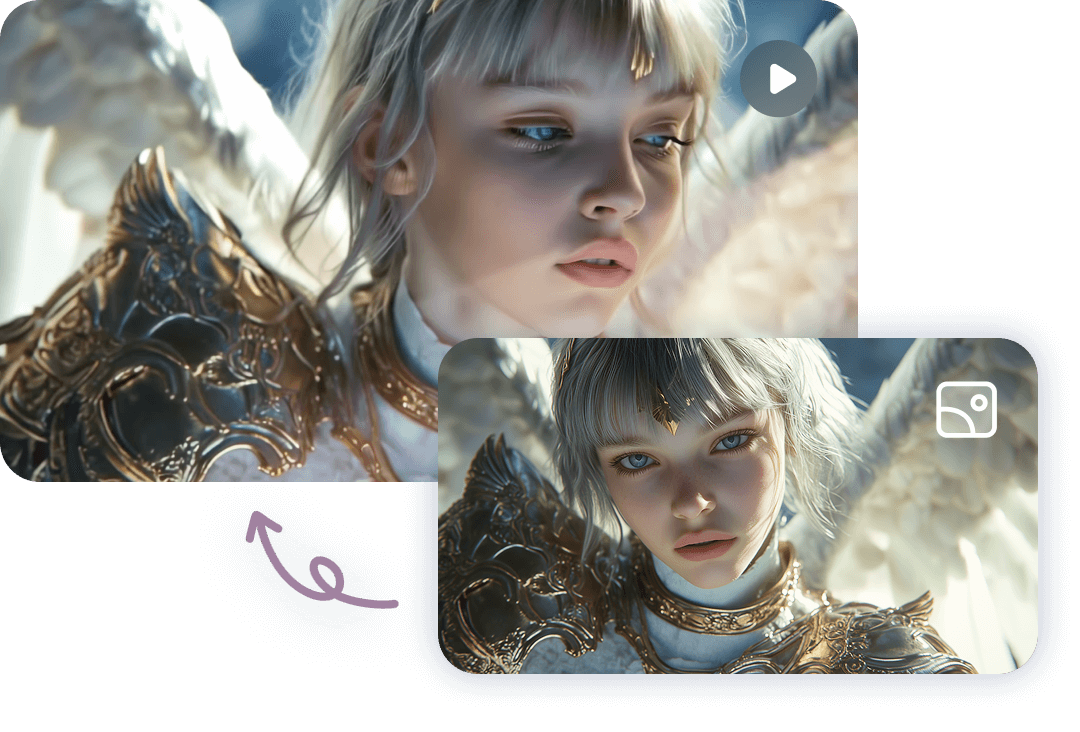
Upload a photograph, illustration, or digital artwork and describe the movement you want. For instance, you might add subtle motion to a portrait, make a landscape feel wind-swept, or create a dynamic product shot. Some workflows support guiding the beginning and ending frames.
3. Reference to Video: Keep a Visual Idea Consistent
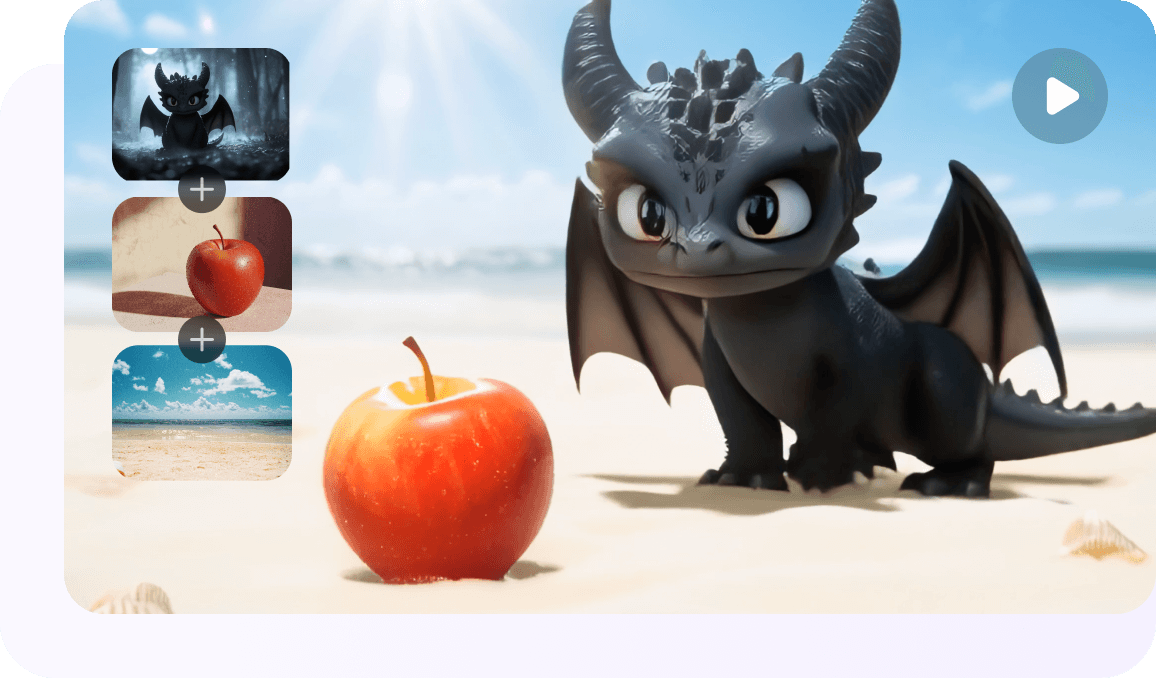
Reference to Video lets a creator guide generation using images of subjects, props, or environments. This matters when a project needs a character, product, or visual style to remain recognizable across different clips. Consistency is a goal of the feature, not a guarantee of a flawless output.
4. Animation and Stylized Video
Vidu supports animated and realistic visual styles. For short storytelling projects, creators can experiment with anime-inspired scenes, illustrations, or expressive motion. This can be particularly appealing for storyboards and small creative projects, though output quality varies by prompt, reference quality, and selected model.

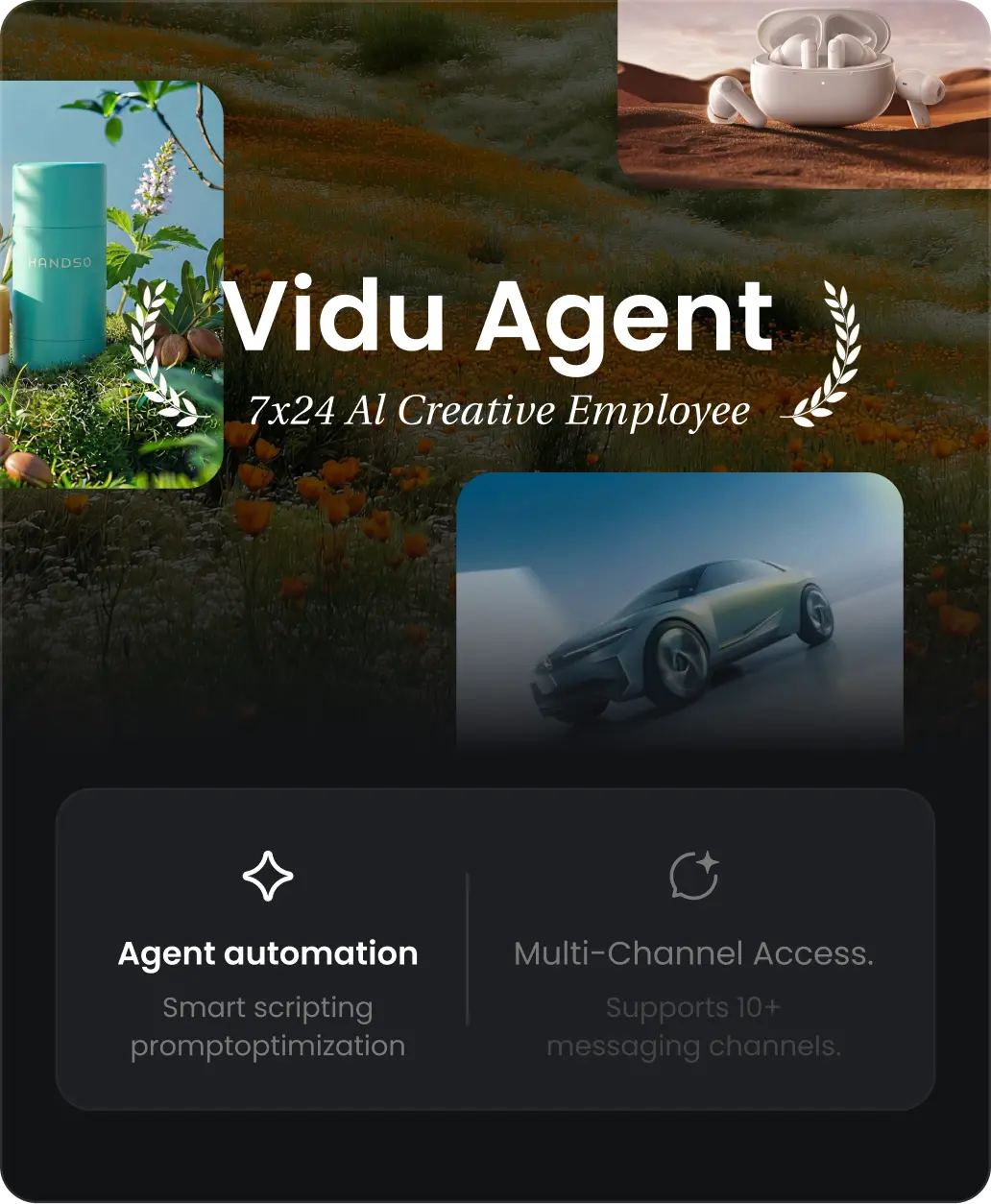
5. Creative Tools, Models, and Vidu Agent
Beyond its core video modes, Vidu lists image-generation and editing tools, templates, video-editing functions, lip-sync tools, and Vidu Agent. Its model range also includes Q3 options and newer Q4 capabilities. Feature access, resolution, clip length, and available controls can differ by model and plan.
Vidu's Q4 materials describe up to 16 seconds of generation, up to 4K resolution, and image/reference-guided workflows, subject to mode and access. Those are model limits rather than a promise that every user can create any type of clip at those settings.
How to Make Your First Vidu Video
- Open Vidu. Sign in and choose Text to Video, Image to Video, or Reference to Video.
- Prepare your inputs. Write a focused prompt, upload a clear image, or supply suitable references.
- Choose the available settings. Check model, duration, resolution, aspect ratio, and any motion options offered in your workspace.
- Generate a draft. Review the result for movement, unwanted objects, faces, text, and visual consistency.
- Refine and export. Adjust one or two instructions at a time and download your preferred clip when ready.
A practical tip: Begin with one main action and a short shot. If the output is unclear, make the movement or camera instruction more precise before increasing complexity.
Where Vidu Can Be Useful
Vidu can support a range of creative tasks, particularly when a short video communicates an idea better than a still image:
- Social content: Short visual concepts for vertical posts and reels.
- Product marketing: Early-stage motion concepts built around an existing product photo.
- Storytelling: Character and environment experiments before animation or filming.
- Personal projects: Gently animated illustrations or permitted personal photographs.
- Creative pitching: Quick mood and movement studies that help a team discuss a concept.
Vidu Pricing: Free Credits and Paid Plans
Vidu offers a way to start with trial credits, and its consumer pricing page describes subscriptions, credit types, sign-up bonuses, and additional credit opportunities. The number of credits needed can depend on the chosen model and settings.
There is no single reliable per-video price across every Vidu workflow. Plan prices are loaded dynamically on Vidu's consumer pricing page, so rather than give a potentially outdated subscription figure, check the current official pricing page before buying. Vidu's separate developer/API platform uses its own published usage-based rates and credit packages; those should not be confused with consumer subscriptions.
Check renewal terms, monthly credit validity, watermark/commercial-use rules, model access, and refund policies before subscribing. According to the consumer pricing FAQ, subscriptions can renew automatically and refunds are generally not available.
Pros and Cons of Vidu AI
Potential advantages
- Several input methods: text, still images, and visual references.
- Useful animated and cinematic presentation options.
- Model and creative-tool choices for different types of projects.
- Low-friction way to explore short-form concepts before production.
Limitations to consider
- Generated motion, hands, faces, and fine details may need retries.
- Credits can be consumed while experimenting, and settings affect cost.
- More complex stories still require planning, selection, and editing.
- Availability and capabilities vary by model and subscription tier.
Is Vidu Safe and Suitable for Commercial Work?
Use only images, voices, faces, music, and other materials you have permission to upload and transform. Avoid using someone else's likeness without appropriate consent, particularly for realistic or voice-based content. Review Vidu's official site for its current terms and privacy policies before uploading sensitive material.
If you are making advertisements or client content, confirm your specific plan's commercial-use permissions, check any required disclosures, and manually review the final video before publishing. An AI-generated draft should not be treated as proof of a real event, an accurate product demonstration, or a licensed third-party asset.
Frequently Asked Questions
Can I try Vidu without paying?
Vidu's official pricing information describes sign-up trial credits and other ways to receive credits. Check the current eligibility and allocation in your account, since promotional allocations can change.
Can Vidu animate a photo?
Yes. Image to Video is designed to add motion to a still image using an accompanying prompt.
Will references keep the same character perfectly consistent?
Reference to Video is meant to improve consistency across subjects and scenes. Inspect each output: it can still produce unintended differences.
Can Vidu produce long videos?
Vidu's video models mainly create short clips. Its newer Q4 documentation lists durations up to 16 seconds for applicable workflows; longer projects typically involve planning and assembling multiple clips.
Final Verdict: Is Vidu Worth Trying?
Vidu is worth exploring if you want to turn prompts and images into short video concepts, particularly if character references or stylized animation matter to your project. It is not a substitute for checking output quality, rights, or recurring costs. Starting with trial credits and a narrowly defined creative task is a sensible way to judge whether it fits your workflow.
Sources and further reading: Vidu AI Video Generator · Image to Video · Text to Video · Vidu Q4 · Official consumer pricing · Official model map. Reviewed November 2026.
Comments
Post a Comment